Insurance Software Products: 7 Categories Agencies Actually Need

Search for insurance software products and you will find systems built for almost every part of the industry. Some help carriers design policies, manage billing, or process claims. Others support P&C brokerages. Still others are made for individual producers, field sales, or large contact centers.
That broad market can make a software search harder than it needs to be for a Medicare, ACA, health, or life agency. You need to know which categories support your operation, where they overlap, and which handoffs create extra work when systems do not share data.
This guide maps the seven categories that matter most to telephonic agencies and FMOs. It also gives you a practical way to decide when a specialist product earns its place and when consolidation is the better operating choice.
Insurance software products serve different parts of the market
The phrase “insurance software” groups together buyers with very different jobs. A carrier may need policy administration, underwriting, billing, and claims systems. A P&C brokerage may center its operation on submissions, policy downloads, renewals, and certificates. An individual producer may only need contact management and application tools.
A telephonic Medicare, ACA, health, or life agency has a different center of gravity. Its daily operation moves from lead intake to routing, conversation, customer record, enrollment handoff, follow-up, compliance review, and reporting. An FMO also needs visibility and consistency across agencies without taking operating judgment away from each owner.
Before comparing brands, confirm which part of the insurance market a product was designed to run. A capable carrier or P&C tool may still be a poor fit for a phone-based health or life sales floor.
Seven insurance software product categories to map
1. Customer relationship and agency records
The customer system holds the working record of people, policies, conversations, notes, dispositions, appointments, and open tasks. Vendors may call it a CRM or include it in an agency management system.
For a telephonic agency, the record must be useful during a live conversation. An agent should understand what happened before, capture the outcome, and leave a clear next step. Managers need a trustworthy history without rebuilding it from call logs and spreadsheets. A record that only receives summaries after the work happens elsewhere is an archive, not the operating center.
2. Dialer and contact-center software
Dialer software manages inbound and outbound calls, queues, transfers, recordings, dispositions, and agent availability. The right mode depends on lead sources, staffing, consent practices, call volume, and manager control.
The key boundary is the customer record. Calls should connect to the same lead, agent, campaign, and outcome used by the rest of the business. When telephony and the CRM disagree, managers can see activity without understanding results. Onyx's guide to choosing a CRM, dialer, and AMS gives a focused comparison of those three core systems.
3. Lead distribution and license-aware routing
Lead management products accept opportunities from different sources, apply eligibility and priority rules, and assign them to the right team or agent. In a multi-state insurance operation, routing may need to consider state licensing, product, line of business, schedule, capacity, language, campaign, and other approved agency rules.
Basic assignment exists in many CRMs. The real test is whether the product explains who was eligible, why one person received the lead, what happened when nobody qualified, and how the outcome returns to the source. A separate routing tool can fit specialized rules. It becomes costly when every change requires another sync and another version of agent data.
4. Quoting and enrollment software
Quoting and enrollment products help an agent compare options, complete the appropriate workflow, and submit or record an enrollment. They are purpose-built for a job that a CRM, dialer, or operating platform should not pretend to perform if it does not.
The purchasing question is whether the handoff works in both directions. The agent should reach the right enrollment workflow with the needed context, while approved customer and policy information should return without unnecessary re-entry. Field ownership should be clear when systems disagree.
5. Compliance, call recording, and quality assurance
Compliance and QA software can support recording, retention, transcription, scorecards, review queues, coaching, and evidence for an audit process. The category ranges from narrow recording products to broader review systems tied to the customer and call workflow.
Keep people accountable for conclusions, exceptions, remediation, and review standards. Software can organize evidence and surface calls for attention, but it does not replace qualified compliance or legal judgment. Reviewers should be able to trace a finding to the conversation, document the resolution, and spot patterns.
6. Reporting and business intelligence
Reporting products turn operational data into dashboards, scheduled reports, and answers for owners and managers. Specialist business-intelligence tools can be valuable when an agency has analysts, several mature data sources, or complex modeling needs.
First ask whether routine reports use the same records that drive daily work. If calls, leads, policies, tasks, and QA findings use different identifiers, a more powerful dashboard will not repair the foundation. Reporting is easier when it sits close to operational data instead of reconstructing workflows afterward.
7. Commissions, accounting, and back-office operations
Commission software supports statement intake, hierarchy rules, expected-versus-paid reconciliation, splits, exceptions, and producer visibility. Accounting systems handle the broader financial record. These products solve a different problem from sales workflow software, even though they may depend on the same policy, carrier, agent, and hierarchy data.
Treat this as a current-state-sensitive category. Confirm what a vendor supports today, which rules require manual work, and how corrections flow to the underlying record. A roadmap slide is not a live capability. If commissions remain in spreadsheets, define the data and reconciliation process before buying automation.
Which products should share an operating platform?
Not every product needs one vendor. Quoting, enrollment, accounting, and specialist analytics may remain separate because they have clear responsibilities. Consolidation matters most where work forms one continuous loop on shared records.
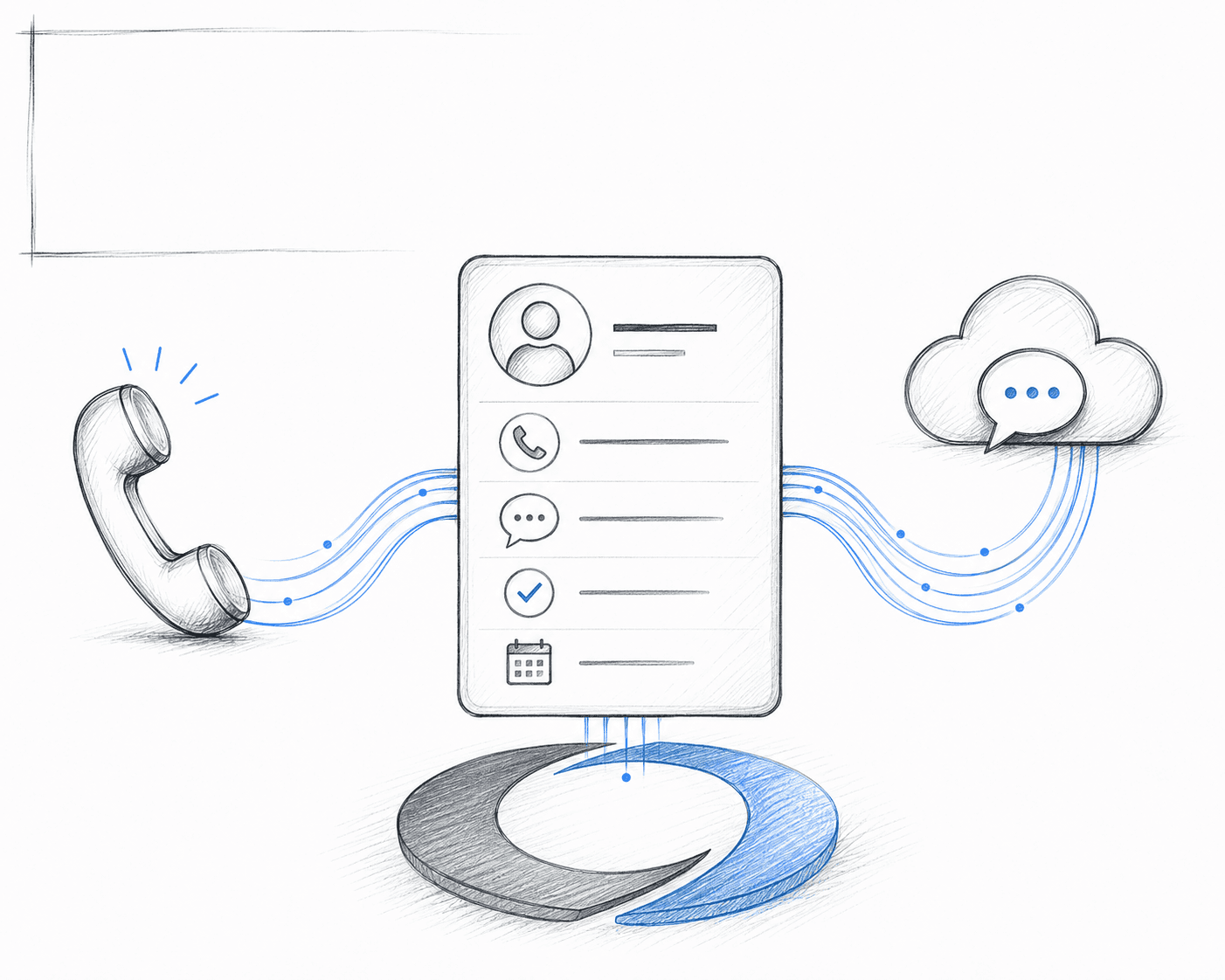
For a telephonic agency, CRM, calls, lead routing, compliance, QA, and core reporting often share that loop. The lead determines the route. The route determines which agent and script appear. The conversation updates the customer record. The recording feeds review. The outcome feeds follow-up and reporting. When each step lives in a separate product, the agency becomes responsible for keeping the whole chain intact.
An operating platform need not replace every specialist. It should be the system of record and action for the agency, with deliberate boundaries around quoting, enrollment, accounting, and other specialist jobs. The goal is fewer ambiguous handoffs, not a larger feature list.
Point tool or platform: use the handoff test
Keep a point product when depth matters more than shared workflow
A specialist tool earns its place when it performs a distinct job materially better, has a clear owner, and exchanges a small, well-defined set of data with the rest of the stack. Your team should know which system owns the record, what enters and leaves the product, how failures are detected, and what happens during an outage.
Quoting and enrollment are common examples because they have a defined purpose outside the daily CRM and call workflow. A specialist analytics product may also make sense for an FMO with a data team and needs that go beyond operating dashboards.
Consolidate when the handoff has become the work
Consolidation deserves attention when agents repeatedly switch tabs, data is entered twice, routine reports require reconciliation, or a workflow change depends on several vendors. The same is true when managers cannot trace a lead from source through conversation and outcome without assembling the story by hand.
This does not mean buying the product with the most modules. It means choosing a foundation that keeps closely related work on shared records, with permissions, configuration, and reporting owners can understand. The five-tool problem is not the number of subscriptions by itself. It is the operating burden created between them.
A practical stack map for agencies and FMOs
Draw the workflow before listing vendors. Put the customer and policy record in the center. Map lead intake, eligibility, calls, enrollment handoffs, follow-up, review, and owner reporting.
Then mark every handoff with four facts: the sending system, the receiving system, the record owner, and the person responsible when it fails. This usually reveals three types of products:
Core operating products: used throughout the day and responsible for shared records, calls, routing, review, and operating visibility.
Specialist products: responsible for a defined job such as quoting, enrollment, commissions, accounting, or advanced analytics.
Temporary bridges: spreadsheets, exports, manual lookups, and one-off connections that exist because the core products do not agree.
For an FMO, add one question: which data and playbooks should be shared, and which decisions remain with each agency? The detailed life and health agency management software buyer's guide goes deeper on requirements for growing call centers.
Questions to ask before adding another insurance software product
Use these questions with your operations team before the next demo. They force the buying discussion toward ownership and workflow instead of feature count:
Which exact job will this product own?
Which system remains the source of truth for customers, policies, agents, and outcomes?
What data must move into and out of the product, and how quickly?
What happens when the data is missing, duplicated, delayed, or wrong?
Can the team complete the workflow without copying information between systems?
Can managers trace an outcome back to the lead, call, agent, and rule that produced it?
Who can change configuration, permissions, and routing logic?
How will the product work across teams, agencies, and lines of business?
What does the agency need to monitor, maintain, and reconcile after launch?
If the product is removed, can the agency retrieve its records and keep operating?
The answers make vendor comparisons more concrete. They also reveal whether you need a new product, a better connection, or a stronger operating foundation.
Build the stack around the agency you want to run
The right set of insurance software products is not the longest possible list. It is a clear operating design: shared records for connected work, specialist depth where it matters, visible ownership at every handoff, and enough flexibility for the people running the business to change the rules.
Map the operation first. Keep products that solve distinct jobs. Consolidate where gaps become a recurring management burden. To see how Onyx connects CRM, calls, lead routing, compliance, QA, and reporting with the specialist tools your agency needs, book a demo.